

Topic to faceless video
Build a content plan and first script from one focused idea.
Best for new series and recurring topics
AI video workflows for faceless channels
Start with an idea, script, or public URL. Review every detail, then publish on your schedule—or automate the workflow when it is ready.
Auto-publishing supported




Review before publishing, or automate a workflow when it is ready.
Start with a topic, your own script, or a public source URL. Review the draft before you generate or publish it.
Build a content plan and first script from one focused idea.
Best for new series and recurring topics
Keep an approved narration and turn it into editable scenes.
Best for writers and reviewed content
Adapt a public source into a spoken, visual draft.
Best for articles and source-led explainers
Turn an everyday situation into a short two-person English conversation with distinct voices and clear turn-by-turn dialogue cards.
Stories, English dialogues, book reviews, and longer episodes—each sample comes from a working AriaFlow workflow. Compare the pacing, captions, and visual direction before starting your own.
Samples may include English audio or captions.
English dialogue
Two-character English practice with distinct voices, turn-by-turn dialogue cards, and one consistent everyday scene.
History story
A 75-second vertical history story about Britain's Starfish decoy sites, with narration, captions, recurring characters, and scene-based visuals.
Book review
A source-led book review shaped into a concise vertical story with narration, captions, and visual references.
Suspense story
A vertical story paced around short scenes, controlled narration, subtitles, and darker visual direction.
Podcast video
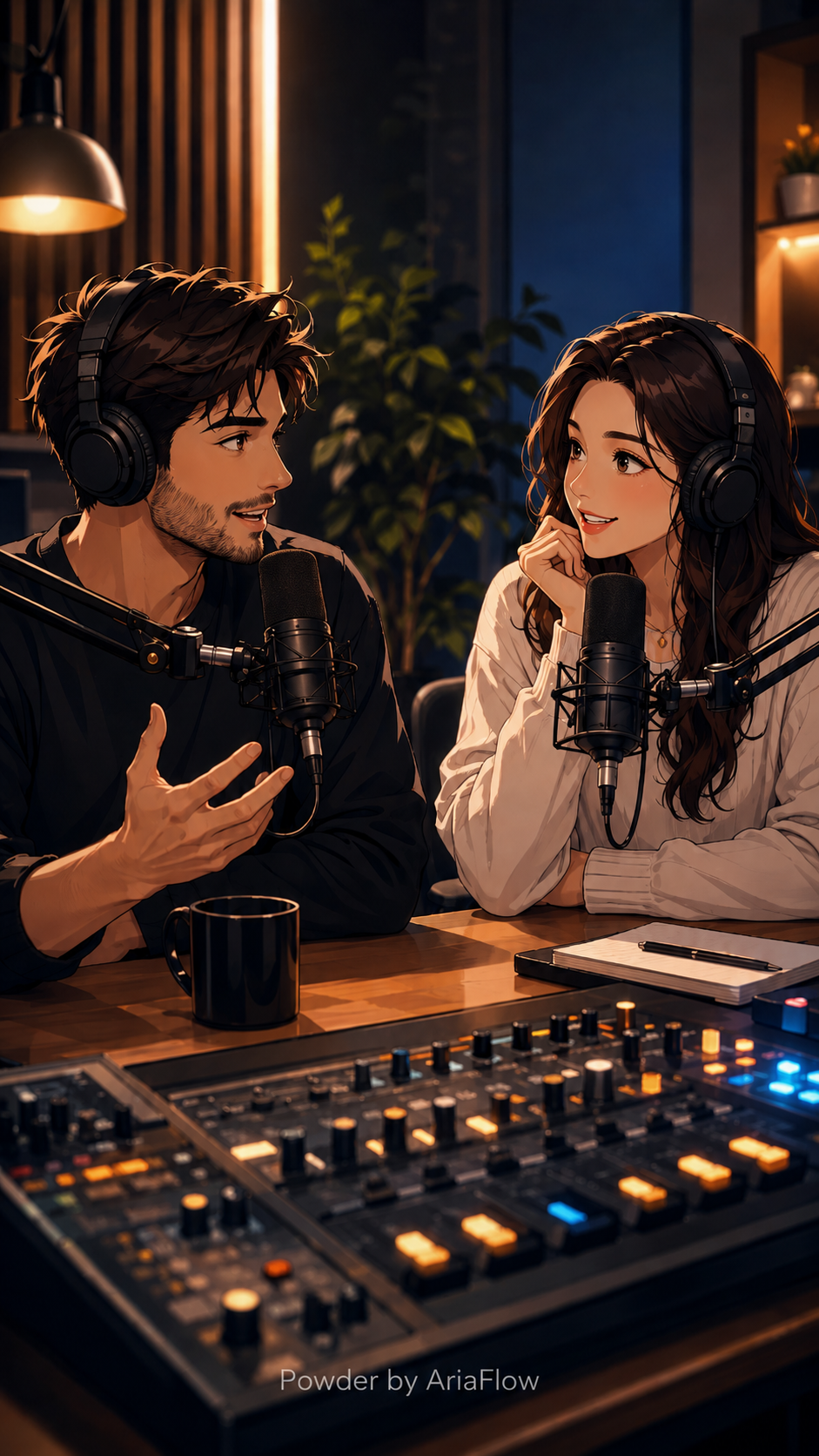
A 9-minute vertical English-learning podcast with a complete script, two AI voices, readable captions, and a consistent studio visual.
AriaFlow separates a successful render from permission to publish, so quality checks stay visible.
Start from a focused topic, an approved script, or a public source URL.
Prepare narration, scenes, original visuals, subtitles, music, and metadata.
Check the full script, voice, visuals, timing, captions, and channel settings.
Download the approved video or send it to a connected channel on your schedule.

Connect supported accounts, review the destination and metadata, then schedule or publish the approved video.

Supported

Supported

Supported

Supported
Publishing availability depends on account authorization and current platform API rules.
Keep control of the draft
Choose the page closest to the video you need. Each workflow includes practical limits, a sample, and related guidance.
Credits cover scripting, visuals, voice, and composition. See a planning range before choosing a plan.
Short faceless video
860–1,400 estimated credits
Educational explainer
2,330–3,950 estimated credits
Long-form faceless video
7,450–12,850 estimated credits
Podcast video
3,340–8,200 estimated credits
For testing your first workflow and producing a consistent set of drafts.
$199.99
per year
18000 credits included
Short faceless video: 12-20 estimated videos
View live pricing and unit costsFor creators producing several reviewed videos on a regular schedule.
$399.99
per year
45000 credits included
Short faceless video: 32-52 estimated videos
View live pricing and unit costsFor teams that need higher production volume across several workflows.
$799.99
per year
110000 credits included
Short faceless video: 78-127 estimated videos
View live pricing and unit costsVoice model, visual model, retries, and scene density change actual credit use.
Understand inputs, length, publishing, and content rights before your first video.
It is a production workflow that creates a video without requiring you to appear on camera. AriaFlow combines a script, AI voice, generated or selected visuals, subtitles, music, and review controls.
Yes. Paste a finished script, review the duration and scene plan, then choose the voice, visual style, captions, aspect ratio, and publishing step.
AriaFlow can process supported public pages and prepare an editable spoken adaptation. Paywalls, private pages, and blocked crawlers can require you to paste the source text instead.
The current workflow supports videos up to 10 minutes. Credit use and generation time depend on length, visual model, voice, and composition choices.
You can connect supported YouTube, TikTok, Instagram, and X accounts. Review the video and destination settings before you schedule or publish it.
You own the final video file subject to your rights in the source material and the terms of any third-party models, media, music, and voices used in production.
Start with an idea, script, or URL. Check the draft before you download, schedule, or publish it.
Create a faceless video