16:9 landscape
3840 × 2160
Available for both YouTube and Podcast covers. A compact 1280 × 720 export is also available.
YouTube thumbnail guidanceUpload a photo or create one with AI
Choose YouTube or Podcast, then use any 16:9, 9:16, or 1:1 canvas. Upload an image or generate the background with gpt-image-2.
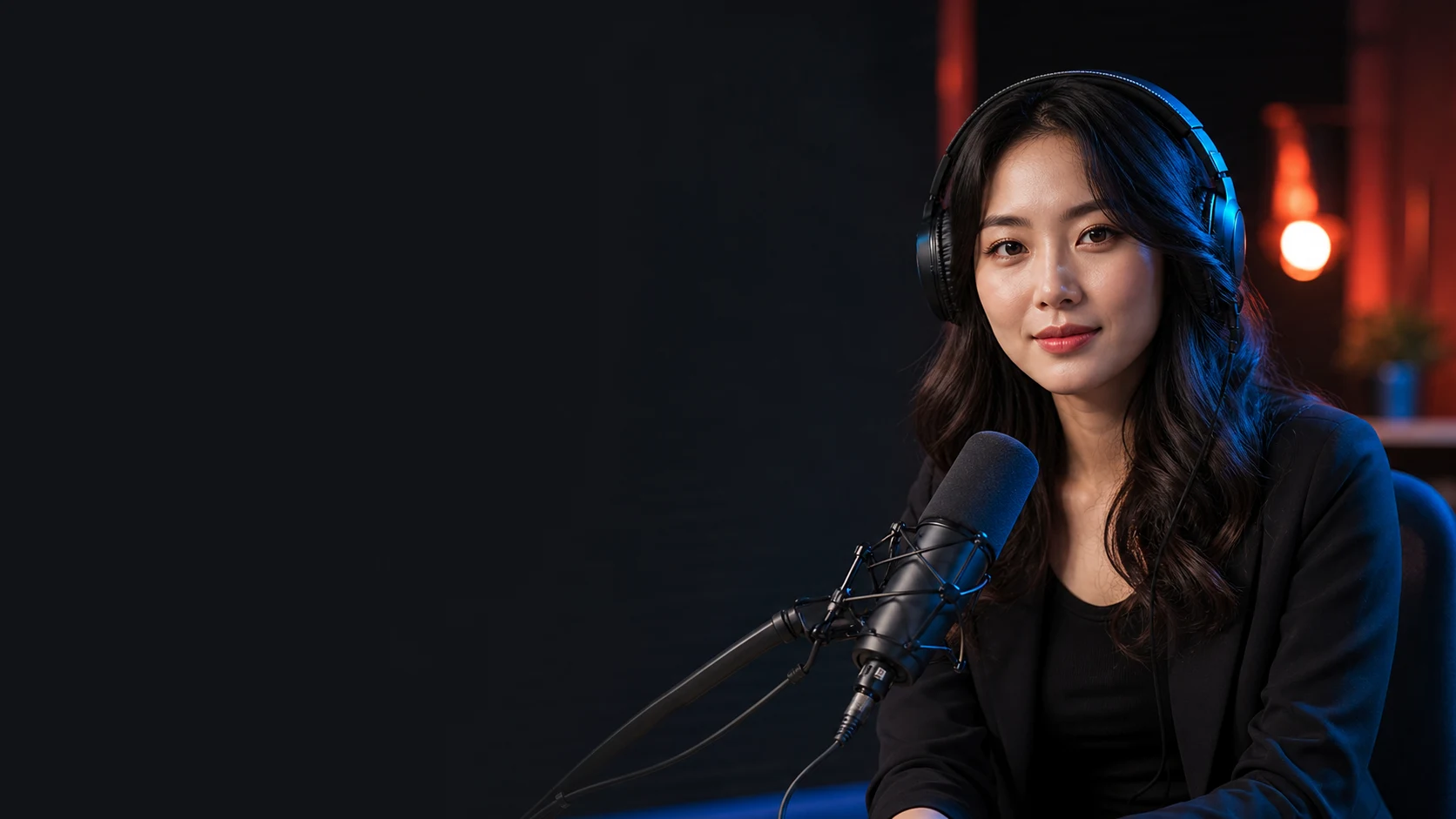
BUILD A SHOW PEOPLE REMEMBER
ONE IDEA IN 60 SECONDS
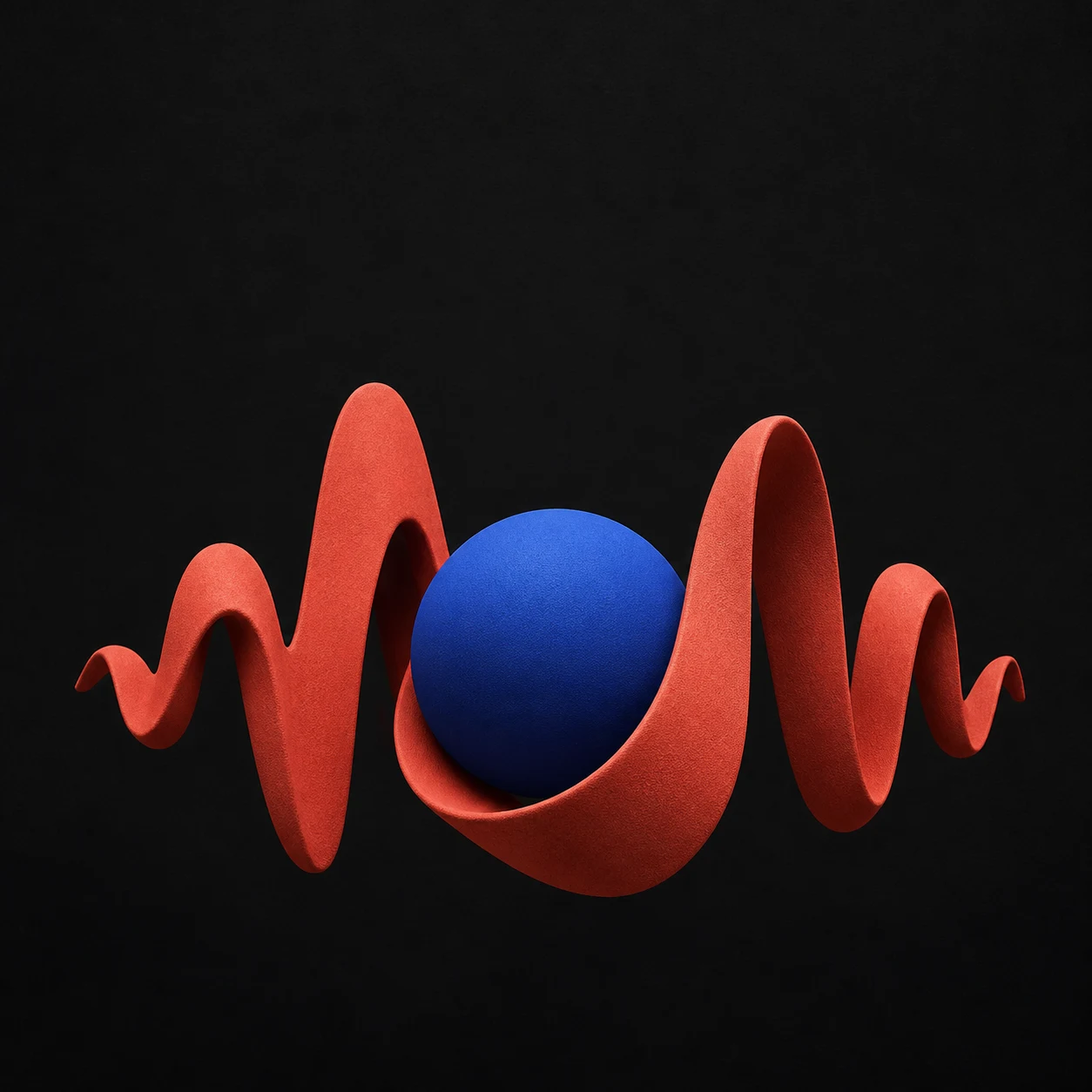
THE SIGNAL
Platform and ratio are independent. Both YouTube and Podcast support 16:9, 9:16, and 1:1, with local uploads or AI-generated backgrounds.
Choose YouTube or Podcast first, then switch ratios without changing the platform. Each canvas exports at full resolution.
3840 × 2160
Available for both YouTube and Podcast covers. A compact 1280 × 720 export is also available.
YouTube thumbnail guidance1080 × 1920
Available for both YouTube and Podcast covers, including Shorts, vertical podcast video, and social clips.
Open the 9:16 editor3000 × 3000
Available for both YouTube and Podcast covers. The square preset also matches Apple Podcasts show artwork.
Apple Podcasts artwork specsA cover is usually seen small. Make the subject and message survive the smallest preview.
Use one face, object, or graphic that can be understood before the viewer reads.
Keep the main message brief. The video or show title can carry the detail elsewhere.
Darken busy imagery behind text and check light text against every part of the background.
Keep important type away from the edge where crops and interface controls may compete with it.
The upload, editing, and watermark-free PNG export workflow is free and does not require an account. AI background generation requires sign-in and image-generation credits.
Yes. Select YouTube or Podcast independently, then choose 16:9, 9:16, or 1:1. Changing the ratio keeps the selected platform and background image.
YouTube currently recommends 3840 by 2160 pixels in a 16:9 aspect ratio. This maker also offers a compact 1280 by 720 export.
Use 1080 by 1920 pixels in a 9:16 aspect ratio. The Shorts mode exports that exact size and shows an asymmetric safe-area guide for interface controls.
Apple Podcasts prefers 3000 by 3000 pixels. RSS artwork can range from 1400 by 1400 to 3000 by 3000 pixels, and it should have a solid background.
Yes. Switch the background control to Generate with AI, describe the visual, and AriaFlow uses gpt-image-2 to create an image without baked-in text. Sign-in and image-generation credits are required.
Files selected with Upload stay in your browser. When you choose AI generation, only your written prompt is sent to the image service and the returned image is loaded into the editor.
Yes. Upload a JPG, PNG, or WebP image, then change the title, subtitle, colors, contrast, alignment, and export size.