How to make faceless videos with AI
The strongest workflow starts with a specific audience and a useful idea, not a render button. Use AI to accelerate production while keeping editorial decisions visible.
Choose one viewer and one outcome
Define who the video is for and what should change after watching. A narrow outcome gives the hook, examples, visuals, and closing action the same direction.
Avoid choosing a niche only because it appears popular. Start where you can add accurate information, original analysis, or a recognizable storytelling approach.
Write or approve the script first
Use a hook, context, development, payoff, and next step. Read the draft aloud and remove sentences that only sound natural on a page.
- Verify every factual claim and quotation
- Mark names that need pronunciation review
- Estimate duration before generating scenes
Give each scene one job
A scene can establish a place, illustrate a mechanism, show evidence, or create a transition. It should not compete with three unrelated ideas at once.
Review generated visuals for factual errors, unintended text, inconsistent subjects, and rights concerns.
Review the complete export
Watch once with sound, once muted, and once at phone size. Check the first frame, subtitle safe area, audio balance, scene pacing, and final call to action.
Verified product evidence
From a focused brief to a verified example
The educational product explainer demonstrates the full path: a specific viewer question, reviewed narration, scenes with one visual job each, voice and caption settings, and a final public export with its transcript available for inspection.
Last verified
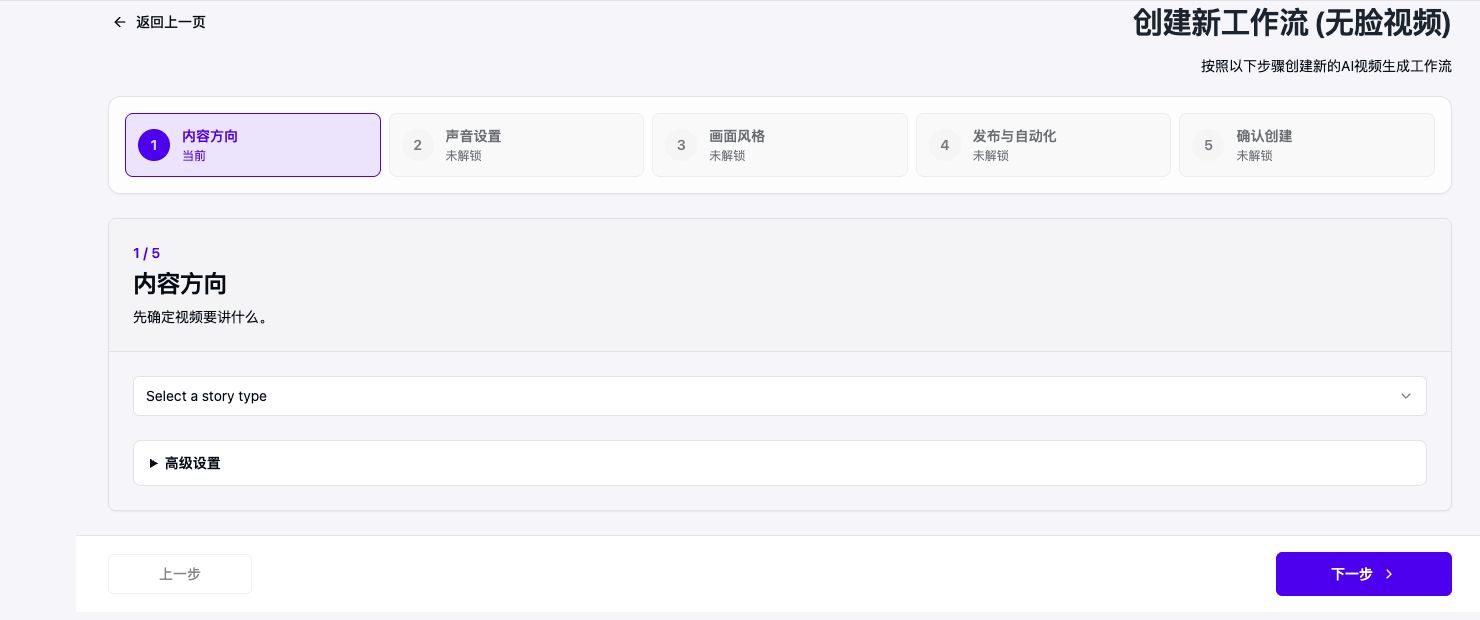
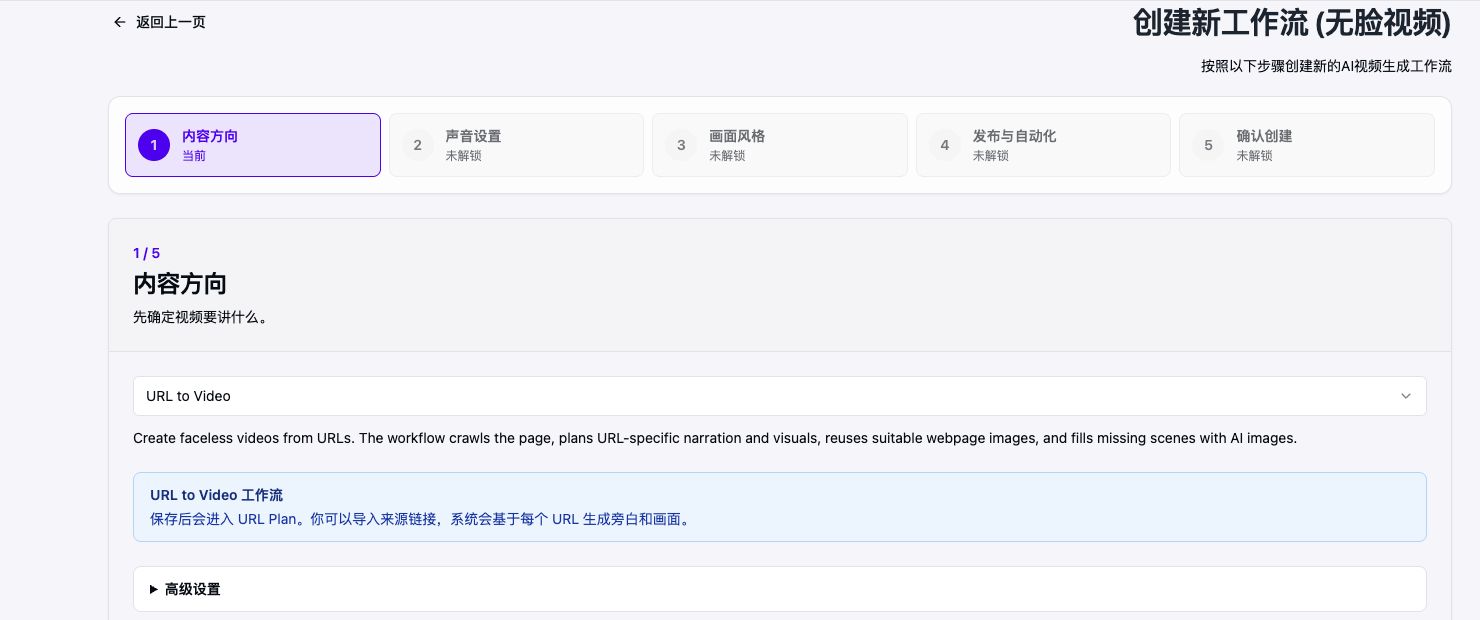
Before
Broad prompt: explain this product with AI.
After review
Production brief: name the target viewer, identify the one useful outcome, approve the claims and narration, assign one visual responsibility per scene, and review the phone-size export.
Account and platform requirements
- Generation requires an AriaFlow account and sufficient credits for the selected models.
- Publishing is optional and requires a separately connected destination account.
- The creator must verify facts, licenses, pronunciations, and brand suitability.
Official sources
Frequently asked questions
Do I need editing experience?
You do not need a traditional timeline workflow, but you still need to make editorial choices and review the final video.
Can AI make the entire video automatically?
It can prepare the script, scenes, narration, captions, and render. Human review remains important for facts, rights, quality, and platform fit.